Skills
Skills do more than improve answer quality. They also make workflows more stable and predictable. For work that requires specific steps, structured outputs, or specialized toolchains, using a skill is often more reliable than relying on open-ended chat alone.
1. What Skills Are
In SciClaw, a skill is a callable task capability. Each one is usually designed around a clear goal, such as information organization, a specific analysis workflow, file processing, research execution, or some other specialized domain workflow.
Compared with ordinary chat, a skill is more like an execution template with a defined method and scope. It helps SciClaw:
- Understand your task according to a predefined method
- Access open-source skills contributed through the public skill ecosystem
- Produce outputs in a more stable structure
- Reduce ambiguity and drift in more complex tasks
You do not need to memorize the internal logic of every skill. In most cases, it is enough to know which skill fits your task, or simply describe your need and let SciClaw decide automatically.
2. How to Trigger Skills
In SciClaw, skills are mainly triggered through prompts. There are three common ways to do this:
Use /skill-name directly in chat
- If you already know which skill you want, type /skill-name in the conversation. This tells SciClaw to prioritize that skill for the current task.
- This works well when you already know the right skill or want the task to follow a specific execution path.
Choose a skill from the skill list
- Click ⚡ Skills above the chat box to open the skill list, browse the available skills, and insert one into your prompt manually.
- This is useful when you want to quickly scan names and descriptions before deciding which skill to use.
Let SciClaw decide automatically
- SciClaw can interpret your prompt, decide whether a skill is appropriate, and automatically choose the best match for execution.
3. When Skills Are Most Useful
Skills are usually a better fit when your task has the following characteristics:
- The goal is clearly defined
- The output needs to follow a fixed structure or format
- The task depends on a specialized tool or workflow
- You want to reduce open-ended variation and improve consistency
- The same kind of task happens repeatedly and is worth standardizing
For casual Q&A, light discussion, or open-ended brainstorming, you do not necessarily need to specify a skill manually. But for specialized work, long execution chains, or tasks with strict output expectations, skills are often much more helpful.
4. Skills Management
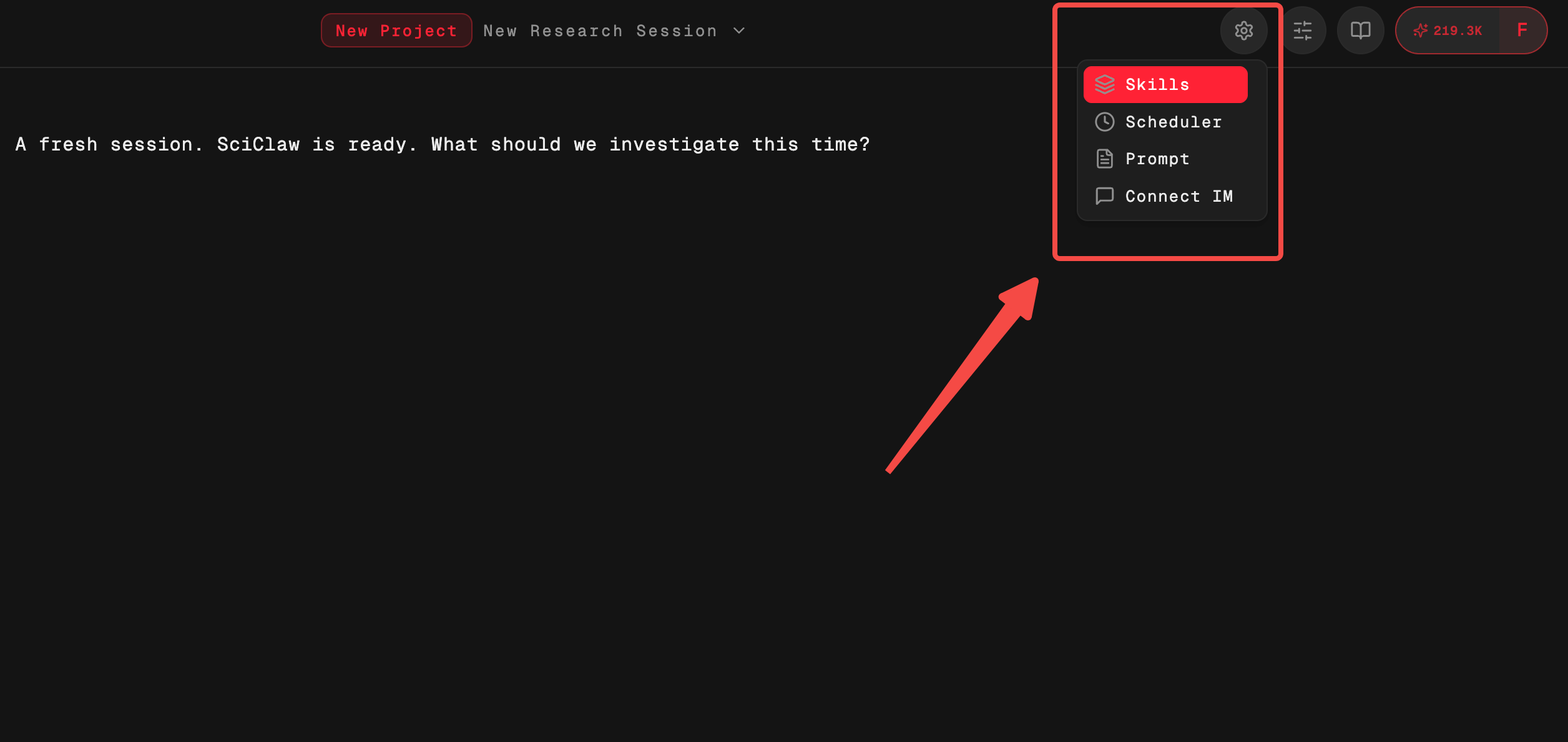
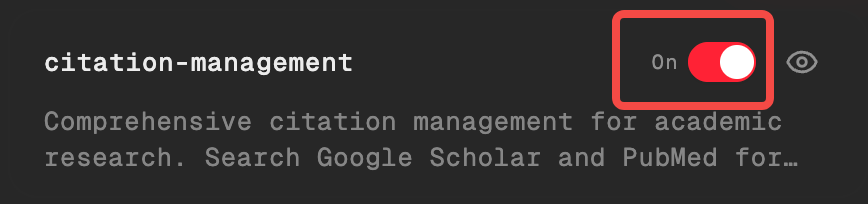
Skills Management is where you view, organize, and maintain the skills currently available to you. This is where you can upload, search, preview, delete, export, and otherwise manage skills.
| Action Type | Description |
|---|---|
| Upload skills | If you have your own skill package, you can upload it in Skills Management and add it to the current environment. Once uploaded, SciClaw can call that skill in chat and display it in the skill list. |
| Search existing skills | Skills Management supports keyword search, which helps you quickly find installed or available skills when the list grows larger. |
| Preview skill content | Before using a skill, you can preview its content to understand its purpose, trigger method, and scope. This helps you judge:
|
| Delete skills | If a skill is no longer needed, you can delete it from Skills Management. After deletion, it will no longer appear in your available skill list. |
| Export and download skill packages | You can also export existing skills and download them as skill packages for storage, migration, sharing, or re-import later. |
4.1 Discover Public Skills: /skill-finder
It is especially useful in situations like these:
- You know what you want to accomplish, but do not yet have the right skill
- You want to check whether the open ecosystem already has a reusable skill for the job
- You want SciClaw to handle the “find a skill” step for you
You can describe what you want to do and what kind of problem you want the skill to solve, and SciClaw will search the public ecosystem for suitable options.
4.2 Activation Limits
SciClaw's built-in skills do not have an activation limit.
This limit is designed to preserve flexibility while preventing too many available skills from causing routing confusion, unstable behavior, or unnecessary management overhead.